At a desk instead of a trailhead?
The same conversions — plus GPX analysis, validation, and editing — run free in your browser at GPXAnalyzer.com.
 MYGPSCONVERTER
Convert your position between DD, DMS, DDM, UTM, MGRS, and GARS — entirely on your phone. Capture your current fix, paste coordinates from anywhere, and read them in the format your map speaks.
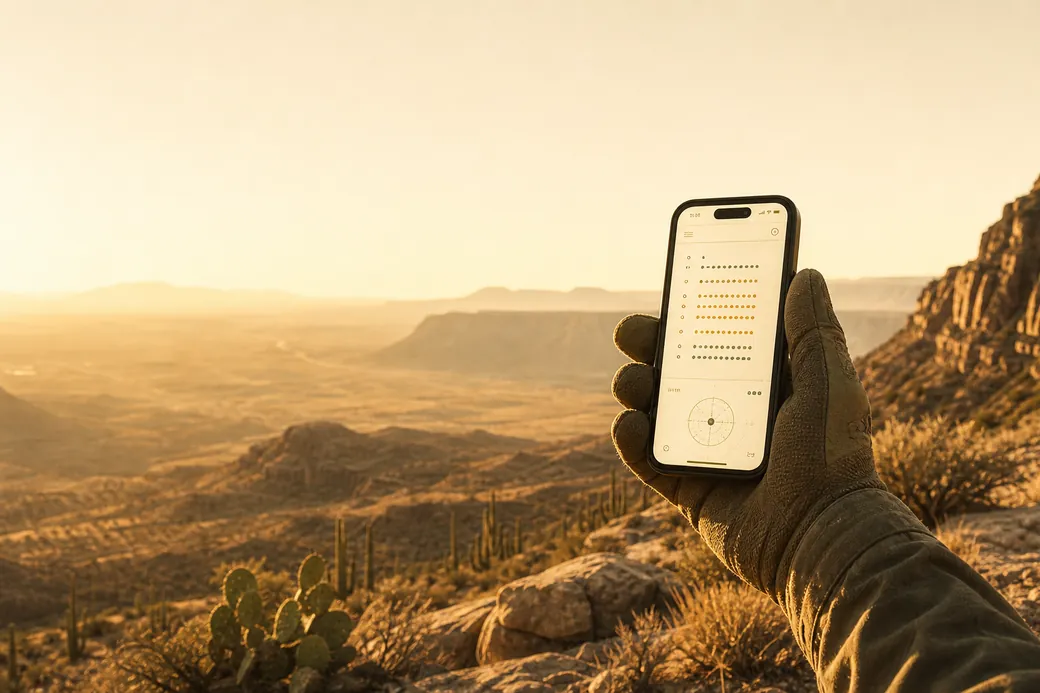
MyGPSConverter is an offline GPS coordinate conversion tool. Quickly convert your current location into multiple coordinate formats—even without a data connection. Perfect for hikers, responders, military personnel, and map users needing accurate offline location conversions.
Capture your current longitude and latitude, paste coordinates from other sources, or enter any location manually. Convert and view your position across the reference systems used on paper maps, in SAR operations, and in field reports. Every conversion is stored in a searchable history log for easy access later.
100% ad-free and privacy-focused—no tracking, no accounts, no data collection. Your locations stay on your device.
MyGPSConverter is built by Nexus Works, an independent studio focused on offline-first GPS field apps — including GPX Analyzer, MyGPS Log, MyGPS Waypoints, and RC Sentinel. The app shares its coordinate conversion engine with the free GPX Analyzer web tools, so a conversion on your phone matches the result in the browser. Each format is documented, with worked examples and references to the NGA and USGS standards, in the format guides.
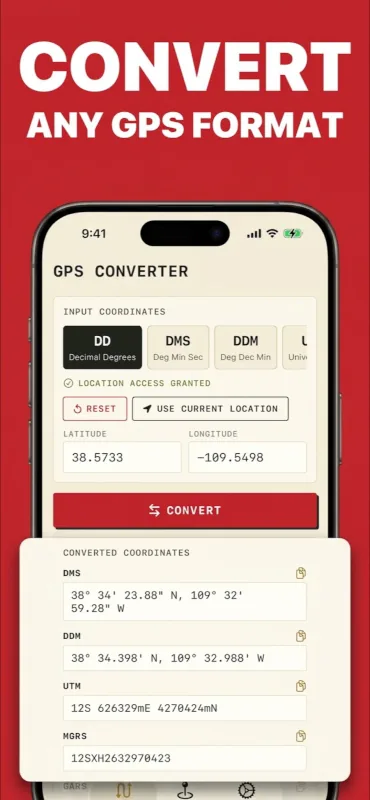
The systems used on paper maps, in SAR operations, and in field reports — converted between instantly.
Simple decimal latitude and longitude — the format apps and websites speak.
32.312064, -114.539201
DD ↔ DMS guide →
The traditional sexagesimal format found on charts and older maps.
32°18'43.4"N, 114°32'21.1"W
Formula & examples →
Whole degrees with decimal minutes — the marine and aviation standard.
32°18.724'N, 114°32.352'W
DDM explained →
Metric, zone-based grid used on topographic maps worldwide.
11S 731676mE 3577687mN
UTM conversion guide →
UTM refined into alphanumeric grid squares, down to 1-meter precision.
11SQR3167577686
MGRS guide →
30-minute global cells with quadrant and keypad — used for area coordination.
131LE29
GARS guide →
Ideal for hikers, emergency responders, military personnel, and anyone who reads more than one kind of map.
Privacy: No data collection of any kind. Conversions and history stay on your device.
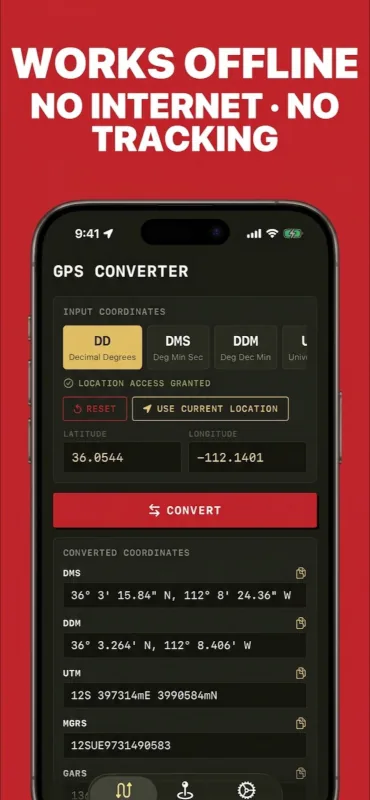
Offline: All six coordinate systems convert with no data connection—airplane mode included.
Formats: DD, DMS, DDM, UTM, MGRS, and GARS.
The same conversions — plus GPX analysis, validation, and editing — run free in your browser at GPXAnalyzer.com.
Yes. Every conversion runs entirely on the phone — no signal or internet required, airplane mode included. All six coordinate systems convert with no data connection, deep in a canyon or miles past coverage.
Yes. MyGPSConverter is free to download on the App Store, and it is 100% ad-free — no ads, no accounts, no tracking.
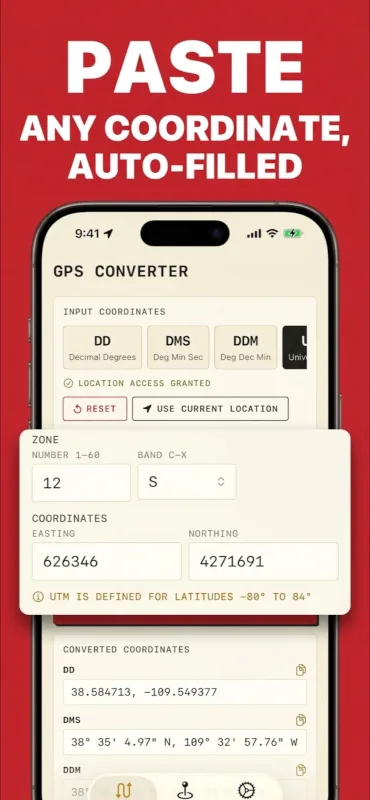
Six formats, converted instantly and in any direction: decimal degrees (DD), degrees-minutes-seconds (DMS), degrees decimal minutes (DDM), UTM, MGRS, and GARS. Smart input fields auto-parse pasted coordinates — degree symbols, direction letters, UTM zones, and MGRS strings are all recognized.
Yes. The same developer publishes a free browser-based coordinate converter at GPX Analyzer that handles the same formats on any computer. It uses the same conversion engine as the app and runs locally in your browser — nothing is uploaded.
Usually it is a datum mismatch: the same numbers read against different reference datums (WGS84 vs. NAD27, for example) can land hundreds of meters apart. The Datum 101 guide at GPX Analyzer explains what a datum is and how to avoid the trap, and the UTM topo-map guide covers matching grid coordinates to paper maps.
Yes. There is no tracking, no accounts, and no data collection of any kind. Your conversions and history stay on your device.